


MEASUREMENT & DESIGN
Measure your kitchen,
step by step.
A clear sketch, a few measurements and some photos are all you need to start your cabinet design.
Print the 3-page planning guide
Page 1: room heights and appliances · Page 2: your floor plan · Page 3: a completed example.
Write every measurement in inches
For example, 8′2″ = 98″. Keep the exact measurements; do not round them to cabinet sizes.
01 / ROOM HEIGHTS
Start from the finished floor.
Use the letter labels shown on page 1 of the PDF.
What else should I note?
A soffit is the boxed-in area above your cabinets. Mark whether one exists and whether you plan to keep or remove it. Note ceiling changes or slopes. Common wall-cabinet heights are 30″, 36″ and 42″; your measurements help us choose the right size.
02 / FLOOR PLAN
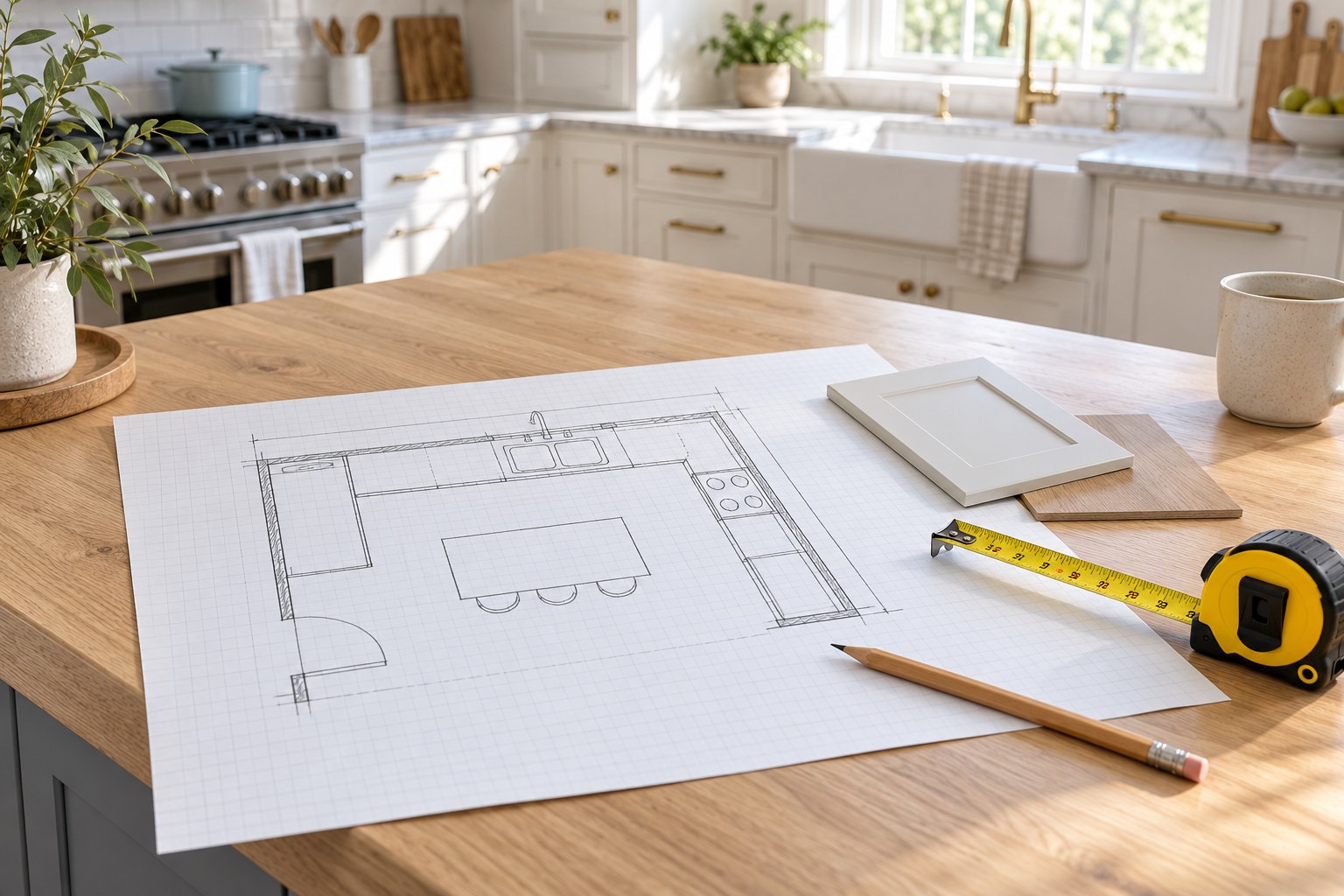
Draw the room from above.
- Sketch every wall where you want cabinets. Label each wall and measure corner to corner.
- Break each wall into sections around windows, doors and fixed obstacles. Check that the sections add up to the full length.
- On an open wall, mark your preferred cabinet stopping point and how much clear space remains.
- Keeping the current layout? Add the widths and positions of the existing cabinets.
On page 2, one square = 6″ × 6″. A 24″ × 24″ footprint covers 4 × 4 squares, not four squares total.
Do I add extra space to the measurements?
Record the real wall length first. If you want a 3–6″ buffer beyond a proposed cabinet run, label it separately as a preference. We will confirm fillers and clearances during design.
03 / OPENINGS & UTILITIES
Mark everything cabinets must fit around.
- Measure doors and windows from outside trim edge to outside trim edge. Note their distance from a corner and show door swing direction.
- Record the height from the finished floor to the bottom of the window trim or sill.
- Mark water lines, drains, gas lines, outlets, switches and vents. Include distances from a corner and heights from the floor.
A finished countertop is often about 36″ high. Flag any low window or trim that may interfere. Record existing outlet and switch positions; proposed changes should be checked by your electrician against the design and applicable requirements.
04 / APPLIANCES
Use the appliances you will actually install.
- List your refrigerator, range or cooktop, wall oven, microwave, hood, dishwasher and sink.
- Record width, depth and height on page 1. Add the model number or a link to the specifications.
- Buying new appliances? Use the new model’s installation dimensions and required clearances.
Do not size an appliance opening from a product’s advertised width alone. Share the manufacturer’s installation sheet so we can check the fit.
05 / REVIEW & SEND
Send us the complete picture.
Double-check your numbers, then send your planning sheets and kitchen photos together.
1. Your measured plan
Include the full wall lengths, heights, doors, windows and utility locations. Add your name and contact details.
2. Clear room photos
Take a wide photo of each wall, plus close-ups of the sink, connections, soffits and any obstacles.
3. Your project details
Tell us your preferred cabinet style, appliance models and whether you want to keep or change the layout.
Ready for your kitchen design?
Upload photos and PDF plans through Contact Us, or email sales@icekitchens.com.
We’ll email or call within 24 hours to discuss your design and pricing.
What happens next?
We will email or call you within 24 hours to discuss your layout, cabinet choices and kitchen pricing. Confirm final measurements and appliance clearances before ordering.